
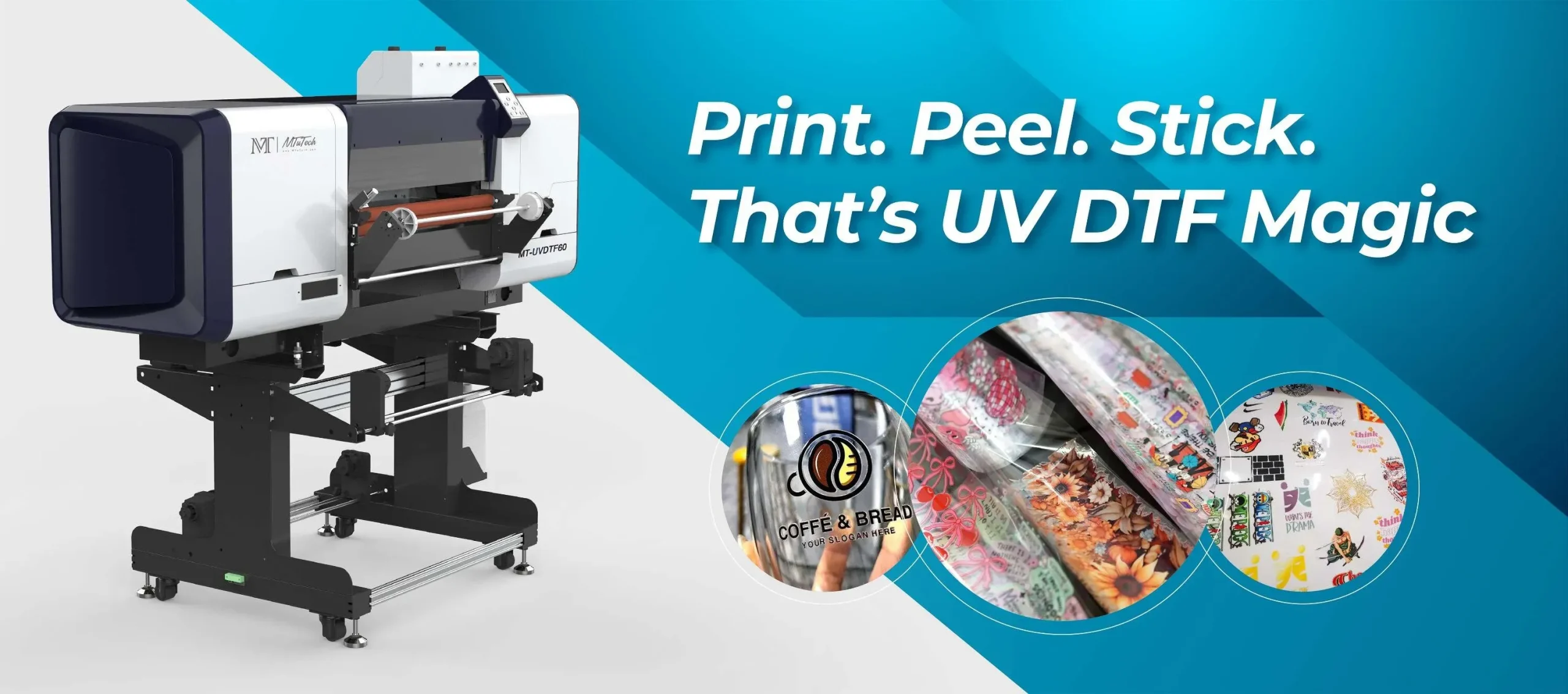
UV DTF transfer color management is a critical practice for brands that demand vibrant, faithful results on fabrics and hard substrates. When you print with UV-curable inks, DTF color management becomes a business differentiator as much as a creative tool. This introductory overview shares practical strategies to achieve accurate reproduction without sacrificing speed or workflow efficiency. By aligning color space, printer profiles, and substrate considerations, you minimize surprises between proofs and final prints. A structured approach to calibration, profiling, and soft proofs helps designers and operators communicate intent clearly.
From a broader perspective, color control for UV transfers can be viewed through the lens of color fidelity, consistency, and predictable reproduction. Think in terms of color spaces, ICC profiling, and reliable soft-proofing so proofs mirror what prints on textiles or films. Instead of chasing a single metric, align workflows to monitor ink behavior, substrate influence, and curing conditions to maintain stable results. In practice, this means establishing repeatable routines for calibration, validation, and documentation across ink lots and media.
Frequently Asked Questions
How does UV DTF transfer color management affect UV printing color accuracy in proofs and final prints?
UV DTF transfer color management aligns design, printer and substrate so proofs and final prints look the same. Start by designing in a wide color space such as Adobe RGB, then convert to an output profile and embed the ICC in your export to support UV printing color accuracy. Calibrate the monitor to a known standard and profile the printer with the exact ink set and substrate including any white underprint or backer. Use a spectrophotometer to measure color targets and compare them to the target with Delta E, aiming for small differences to improve reproduction quality in UV DTF transfer color management.
What is color profiling for UV DTF and why is it essential for reproduction quality DTF transfer?
Color profiling for UV DTF creates a device specific map from color values to how they print on your chosen media. An ICC profile for the printer, ink set, substrate and curing conditions ensures consistent output, and if you use white underprint profile the white layer separately to capture interaction with the color layer. Update profiles when inks, media or hardware change and validate with test swatches to maintain reproduction quality DTF transfer.
How do you perform UV DTF transfer color calibration to achieve consistent results across runs?
UV DTF transfer color calibration starts with a calibrated monitor and proceeds to calibrate the printer and media together. Steps: calibrate the monitor with a colorimeter, print a color target on the actual media, measure with a spectrophotometer and adjust the profile until measured values match targets, profile white and color layers separately if you use white underprint, and reprofile when ink lots or substrates change. This keeps color consistent across runs.
How does UV printing color accuracy improve when using color management for dark fabrics in UV DTF transfer?
On dark fabrics, UV printing color accuracy depends on effective color management. Profile both the white underprint and the color layer to predict how the combined result will look, and tune the white layer to maximize vibrancy. Use consistent pre treatment, substrate handling and film transfer characteristics, and validate with test swatches and spectrophotometer measurements to confirm color fidelity.
What role does DTF color management play in handling gamut and dot gain for UV DTF transfer?
DTF color management helps control gamut and dot gain for UV DTF transfer. Choose an appropriate design space and ensure the printer ICC profile reflects the ink and substrate. Profile at target print resolutions to capture dot gain in gradients, then use RIP rendering intents aligned with your workflow. Regularly test with color patches and adjust as needed.
What practical workflow steps support reproduction quality DTF transfer using color profiling for UV DTF?
Practical workflow to ensure reproduction quality DTF transfer with color profiling for UV DTF includes: design in a suitable space, export with embedded ICC or assign the correct output profile, calibrate the monitor, print color targets on the real media and measure with a spectrophotometer, create or update ICC profiles for the exact ink and substrate, perform soft proof against a physical print, then validate with a first production run and maintain a change log.
| Topic | Key Points |
|---|---|
| Understanding UV DTF transfer color management | Color management controls color across devices/media/viewing conditions; core elements are color space, printer/ink system, and substrate/transfer film; alignment via calibration and profiling yields consistency. |
| Focus on the Color Space | Design in wide-gamut spaces (e.g., Adobe RGB) for fidelity, then convert to an output profile; embed ICC profiles to ensure consistent interpretation across devices. |
| Device Profiles and ICCs | Use printer/media profiles that reflect ink, curing, and substrate; if white underprint is used, choose a profile representing the combination; regularly update and verify profiles. |
| Calibration and Profiling: The Practical Backbone | Calibrate the monitor and the printer/media together; create ICC profiles for exact ink/substrate/ curing conditions; profile white and color layers separately when applicable. |
| Color Proofing and Soft Proofs | Use soft proofs to compare on-screen proofs with physical prints under standardized lighting; while not a perfect substitute, soft proofs help catch color mismatches early. |
| Practical Techniques to Improve Color Accuracy | Use calibration targets and neutral patches; maintain consistent substrate handling; understand ink limitations and dot gain; optimize print resolution and RIP settings; use test swatches. |
| Working with Substrates and Transfer Films | Substrate color and surface energy influence output; white underprinting on dark fabrics can improve vibrancy; profile transfer films individually and validate with tests. |
| Color Management in the Workflow: Step-by-Step | Design in an appropriate color space; export with embedded or correctly assigned profiles; calibrate monitor; print color targets and measure; create/update ICCs; proof with soft and physical prints; maintain a change log. |
| Quality Assurance: Measuring Color Reproducibility | Use Delta E metrics to quantify color differences; evaluate proofs under standardized lighting (e.g., D65 5000K); document printer settings, ICCs, substrate lots, and curing times for traceability. |
| Common Challenges and How to Address Them | Address substrate color shifts with refined white underprint profiles; manage ink/cure variability through regular profiling; reduce gradient banding by aligning RIP intents with color management; control environmental conditions. |
| Putting It All Together: Best Practices | Start with a solid plan, invest in measurement tools, maintain consistent materials, build a testing protocol, and train operators to apply profiles accurately in daily printing. |
Summary
UV DTF transfer color management is essential for achieving accurate reproduction and satisfying customers who expect vibrant, faithful colors across fabrics and transfer films. By aligning design choices, printer profiles, substrate considerations, and proofing practices, you can systematically minimize color drift and deliver consistent, publication-quality results. Embrace color management as an ongoing process—one that combines technical precision with practical workflow discipline—and you’ll see tangible improvements in color accuracy, repeatability, and print durability across your UV DTF transfer projects.